01
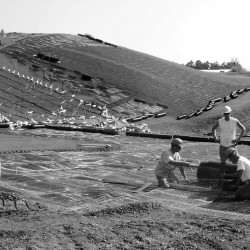
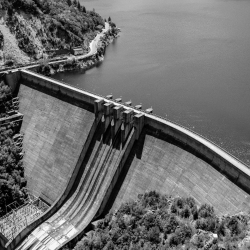
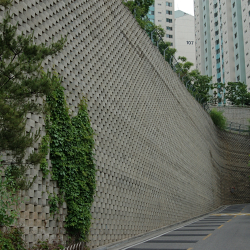
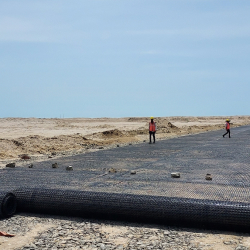
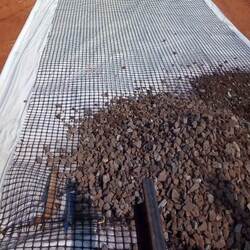
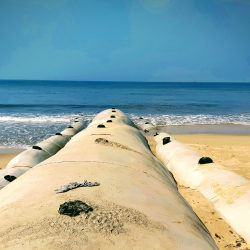
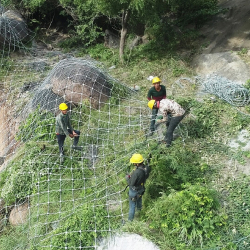
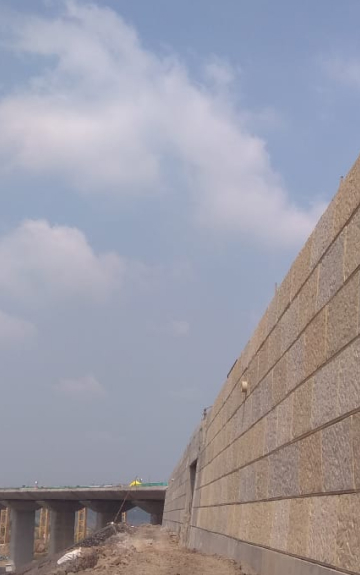
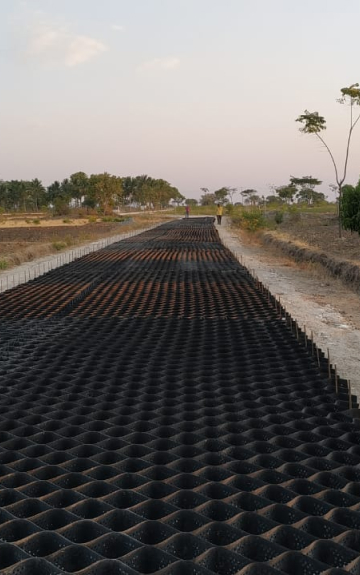
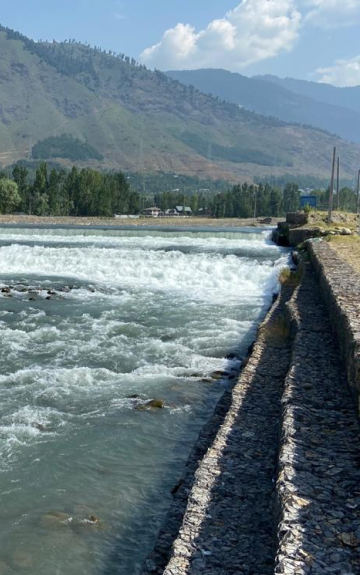
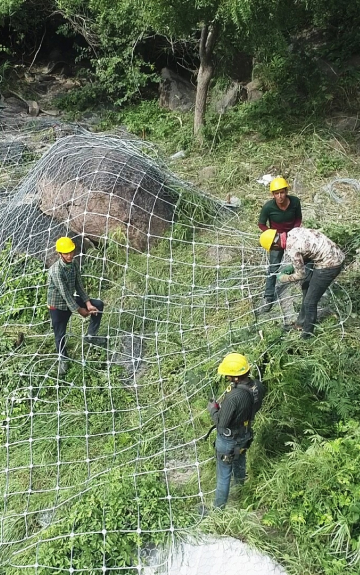
Reinforced Soil Wall & Slope Protection at Statue of Unity
Kevadiya, Gujarat


Discover the best Geosynthetic and Geohazard Mitigation Products at TechFab India
TechFab India was established in 2003, with the objective of providing world class Geosynthetic and GeoHazard Mitigation products, services and economical & easy to construct solutions to our customers for a wide range of geotechnical, transportation, hydraulic and environmental related challenges.
Our commitment to world-class quality is reflected in our use of cutting-edge technology, materials, and techniques. Through innovative and effective solutions, we are proud to have established a reputation as a leading provider of geosynthetics and geohazard mitigation products and services in India and beyond.
About Us
TechFab India's superior technology empowers the development of high-performance geosynthetics and geo-hazard mitigation products that provide long-lasting value to the projects across various sectors.

TechFab India's trustworthy support provides customers with expert guidance and technical assistance to ensure successful project outcomes and long-term satisfaction with our products.

Did You Know...Our Cost-effective products utilize innovative technologies and optimized processes to provide high-quality products at competitive prices, maximizing value for our clients.
We are the largest manufacturer of Geosynthetics & GeoHazard Mitigation products in India with highest manufacturing capacities. Our cutting-edge facilities allow us to manufacture a wide range of products, making us the go-to choice for Geosynthetic & GeoHazard Mitigation solutions.
With 20 + Years experience in providing various Geotechnical solutions for Infrastructure projects, our team is ready to provide cost effective and sustainable solutions for various sectors like Airports, Highways, Railways, Real Estate & Recreational Area, Ports & Marine, Waste Management, Water Resources, Irrigation & Flood control, Power, Mines & Heavy Industry, and so on.
Explore your options. TechFab India offers a variety of products and solutions to help with your next geosynthetic & geohazard mitigation project.
Our technical data contains detailed information on the specifications, standards, and testing data for all our products and solutions. This information is readily available to our customers, enabling them to choose the best products and solutions for their specific projects.
Comprehensive technical information for decision making from our products and solutions.
DownloadAccurate tender specifications for your projects as per the standards available
DownloadIdentification reference code for our products and solutions traceability
DownloadTechFab India manufactures an entire range of high quality products, offers reliable services and range of common civil and environmental engineering problems. With the support of our highly experienced geosynthetic & geohazard mitigation specialists and a worldwide distribution network, TechFab India's products are useful in a multitude of applications.
TechFab India's superior technology empowers the development of high-performance geosynthetics and geo-hazard mitigation solutions that provide long-lasting value to customers across diverse industries.
TechFab India's trustworthy support provides customers with expert guidance and technical assistance to ensure successful project outcomes and long-term satisfaction with our products.
Did You Know...Our Cost-effective solutions utilize innovative technologies and optimized processes to provide high-quality products at competitive prices, maximizing value for our clients
TFI Mobile App is the ultimate platform to find a quick solution reference for your project. It allows easy download of necessary documents. Give it a try today!
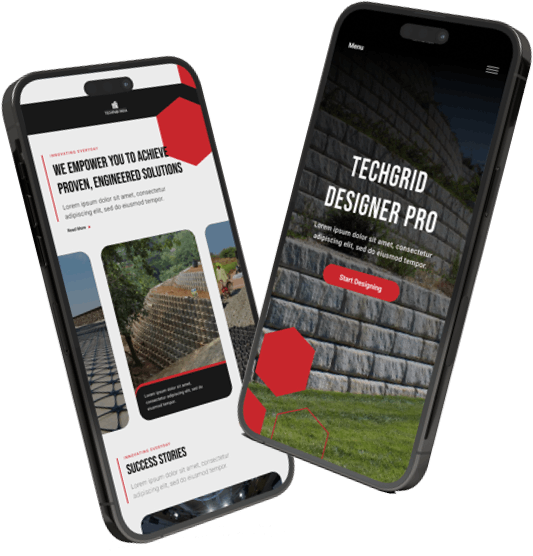


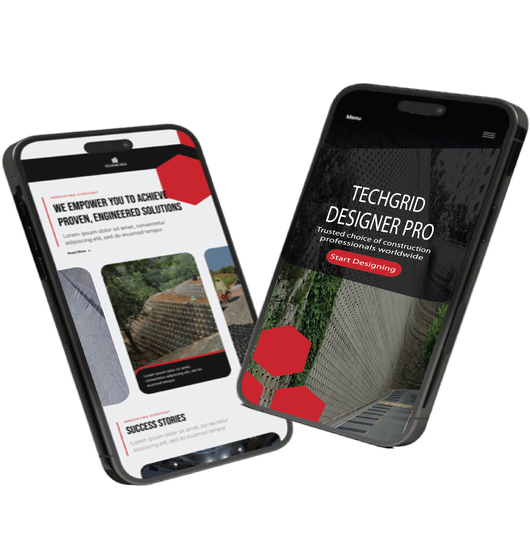
Our Designer Tools are created with a deep understanding of the design challenges, it empowers designers to provide optimized cost-effective solutions.
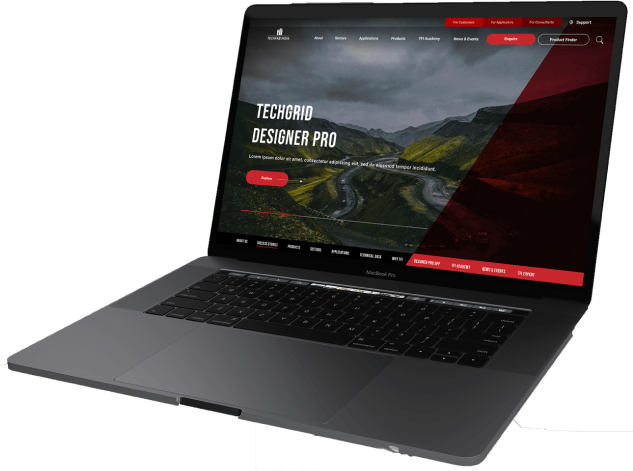
TechFab India offers a wide range of products and solutions that have been extensively tested and proven to perform reliably in various geotechnical applications.
TechFab India provides expert engineering support throughout the design and implementation process.
TechFab India understands that every project is unique, with specific requirements and constraints.
TechFab India provides data and performance information based on extensive testing and real-world applications.
At TechFab India, we offer a wide range of resources, including videos and tutorials, which help you to learn more about the solutions for your project requirements. Access all these resources and learn more through the TFI Academy.
Contact our Technical Expert to learn more about our offerings. Our experts are ready to assist you for your specific project requirement. Get in touch now!

.jpg)